Best overall for YouTube creators in 2026: Canva, because you can turn a generated visual into an editable thumbnail layout. Best for creators who already use Adobe tools: Adobe Express. Best for testing short text inside generated images: Ideogram. Best for exploring a visual concept through conversation: ChatGPT. Clickologi is the better fit when you need thumbnail design paired with title and channel packaging strategy, not another generator.
- Canva is the best AI thumbnail generator for YouTube creators who want an editable layout.
- Adobe Express fits Adobe-based workflows; Ideogram fits text-led concepts; ChatGPT fits visual brainstorming.
- Clickologi thumbnail design is a service alternative when your thumbnail and title need one packaging decision.
- Judge every option by subject clarity, title pairing, mobile legibility, and brand fit before you upload.
Why this matters
A generator can produce an image. It cannot decide whether that image gives your next upload a clear reason to click. For an established channel, that gap matters: a thumbnail has to communicate the video's specific payoff, sit beside a title without repeating it, and still look like it belongs in your niche.
That is the difference between making artwork and making packaging. If your workflow needs someone to make that call with you, Clickologi offers thumbnail design and packaging strategy for YouTube creators. If you want to make and edit the image yourself, start with the ranked tools below. Choose the workflow first; choose the generator second.
A fishing creator teasing a difficult catch needs a different focal point from an automotive creator comparing two builds. In both cases, a polished background can bury the subject. Your test is direct: what can a viewer understand before reading the title, and what does the title add?
What makes the best AI thumbnail generator for YouTube
Use these criteria before you commit to a tool. A striking sample image does not tell you whether the tool will hold up across regular uploads.
- Subject clarity: Can you keep the person, object, or moment that matters easy to identify? A generated scene with competing details gives the viewer more to decode.
- Title pairing: Can you revise the visual after the title changes? The thumbnail should create the question; the title should sharpen the answer or stakes.
- Mobile legibility: Can you simplify the composition and inspect it at a small size? If the focal point disappears when you shrink the image, the full-size preview is misleading.
- Brand fit: Can you make repeated uploads feel related without forcing every video into the same layout? An automotive channel and a documentary channel have different visual cues.
- Edit control: Can you change text, crop, placement, and emphasis without starting the whole image again? This is where an editor earns its place beside a generator.
- Repeatability: Can you carry a useful visual direction into the next upload? One good generated image is less useful than a workflow you can actually repeat.
For a 2026 upload, start with the video premise, not a prompt asking for a viral thumbnail. Write down 1 focal subject, 3 thumbnail concepts, and 2 title options as working choices. Those are production targets, not performance claims. Compare the combinations before selecting the image you will edit.
Best AI thumbnail generators at a glance
| Tool | Best for | Standout feature | Key limitation |
|---|---|---|---|
| Canva | Editable thumbnail layouts | Generated visuals inside a design editor | Template choices still need a channel-specific decision |
| Adobe Express | Adobe-based editing workflows | Image generation alongside layout tools | Generated imagery still needs a clear upload concept |
| Ideogram | Text-led visual experiments | Image generation that accepts text-focused prompts | Check every rendered word and finish the thumbnail elsewhere if needed |
| ChatGPT | Conversational concept exploration | Image generation through iterative prompts | A good concept still needs final layout and small-size review |
Default pick: Canva. Its mix of generated imagery and editable layout makes sense when you produce your own thumbnails regularly. The table is a workflow comparison, not a claim that one tool produces a higher CTR than another.
1. Canva: best AI thumbnail generator for editable layouts
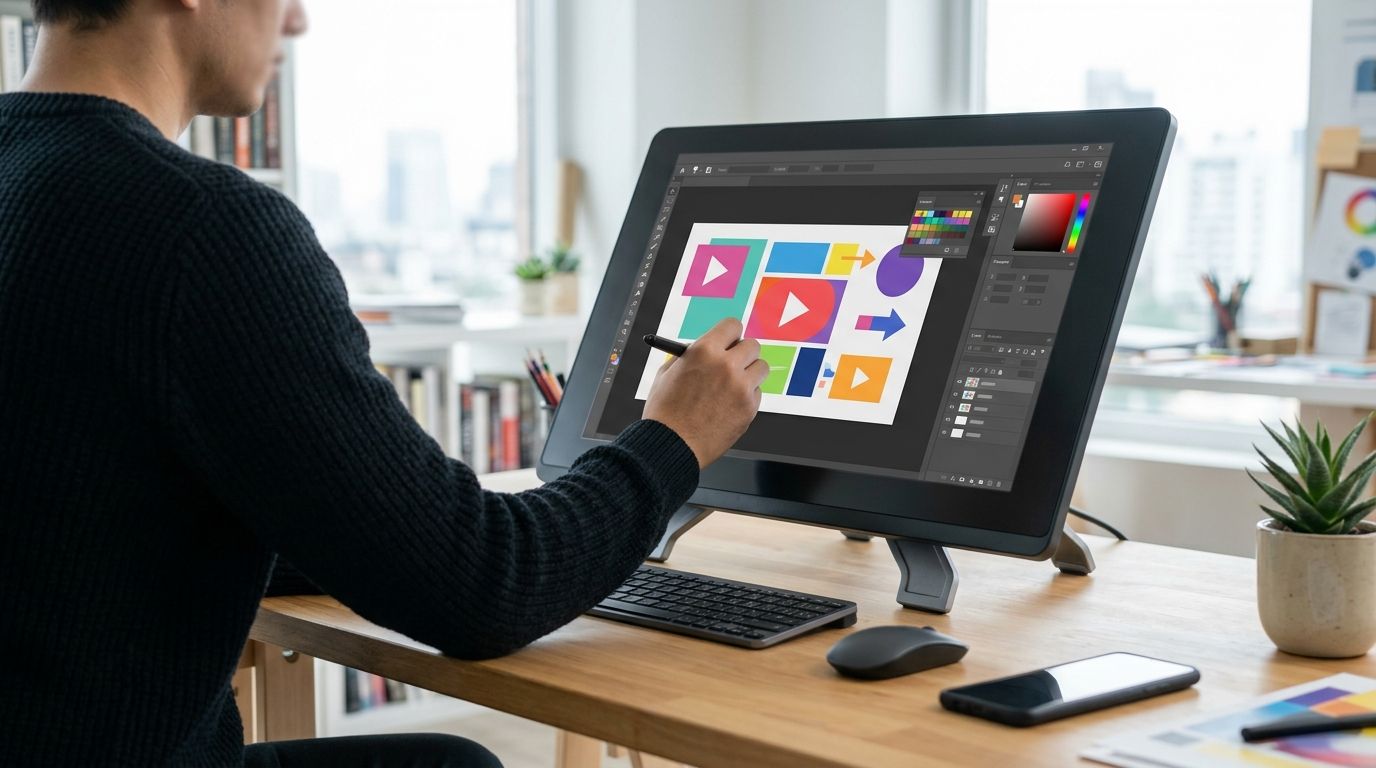
Canva combines image-generation features with a design editor. You can explore a visual, then work on placement, text, and crop in the same design workflow. That matters when the first generated image is close to the concept but wrong for the final title.
Start with a video-specific brief rather than a style prompt. For an outdoors upload, identify the action, the subject, and the part of the scene that creates tension. Then strip away anything that competes with that subject. A thumbnail built around a tiny subject and an elaborate setting can look finished while failing the small-size check.
Canva pros:
- Generated visuals and layout editing sit in one workflow.
- You can adjust the composition after choosing a title.
- It suits creators who want to maintain their own repeatable layout process.
Canva cons:
- A ready-made template does not tell you what your audience needs to see.
- Generated scenes need checking for inaccurate details, especially when the video documents real people, places, or objects.
- You still have to decide whether text adds information or repeats the title.
Best for: A solo creator who wants to generate a starting visual and finish the thumbnail manually. Verdict: Buy into the workflow if you are willing to edit and test the result, not publish the first generated image.
2. Adobe Express: best for Adobe-based workflows
Adobe Express pairs design editing with AI image features. If Adobe tools are already part of how you prepare an upload, Express gives you a place to develop a thumbnail concept and refine its layout. Its value here is control after generation, not an automatic answer to which idea earns the click.
Use Express to make the visual hierarchy obvious. If your documentary title names a discovery, the thumbnail can show the object or moment without spelling out the same claim. If the title changes during editing, revisit the image too. Packaging breaks when the thumbnail and title point to different stories.
Adobe Express pros:
- Image generation and design editing work within the same tool.
- Layout changes let you respond to a revised title.
- It gives Adobe-based creators a familiar place to prepare the final asset.
Adobe Express cons:
- Generated visual detail is not evidence that the depicted scene matches your footage.
- You must make the subject readable after reducing the design to viewing size.
- The tool cannot choose the strongest promise in your video for you.
Best for: A creator who already uses Adobe tools and wants generation inside an editing workflow. Verdict: Buy into the workflow if keeping creation and layout work together matters more than exploring prompts in a separate tool.
3. Ideogram: best for text-led visual experiments
Ideogram is an image generator with a strong focus on prompting for visuals that include text. That makes it useful when words are part of the concept rather than a label added at the end. It is still a concept tool: inspect the actual letters, then decide whether generated text belongs in the final thumbnail at all.
For a fishing channel, a short phrase might set up a question that the title answers. But if the title already says it, another line on the image wastes space. Try the concept without text as well. The stronger version is the one a viewer understands faster, not the one that uses more of the image.
Ideogram pros:
- Text-focused prompting helps you explore words as part of a visual concept.
- It supports fast comparisons between visual directions.
- It is useful when you have not settled on an image idea yet.
Ideogram cons:
- Generated lettering needs a character-by-character check before publication.
- A compelling generated concept can still be hard to adapt to your footage or channel style.
- You may need a separate editing step to finish the thumbnail layout.
Best for: A creator testing whether a short on-image phrase improves the concept. Verdict: Hold until you have checked the lettering, the title pairing, and the final crop.
4. ChatGPT: best for conversational concept exploration
ChatGPT can generate images and revise a direction through follow-up instructions. Its place in this ranking is idea development: you can describe the video premise, ask for contrasting visual approaches, and identify which concept is worth building. It is not a substitute for checking whether an image truthfully represents the upload.
Give it the actual premise. An automotive video about diagnosing a fault needs a visual centered on the problem, not a generic dramatic car image. Ask for alternate compositions, then compare them against the footage and title. If the generated concept implies an event the video never shows, discard it.
ChatGPT pros:
- Conversational revisions help you develop distinct visual concepts.
- You can explain the title and thumbnail relationship in ordinary language.
- It works as a starting point when you know the story but not the composition.
ChatGPT cons:
- Generated images can introduce details that do not belong to your video.
- Prompt refinement can keep you busy without producing a usable final layout.
- You still need to check the crop, text, and legibility before upload.
Best for: A creator who needs to work out the thumbnail idea before editing the asset. Verdict: Hold as a concept partner; finish the packaging decision outside the chat.
When a generator is the wrong choice
The best AI thumbnail generators for YouTube help you make visuals. They do not replace a decision about which frame, expression, object, or tension belongs on this specific upload. That decision gets harder when you publish regularly: each thumbnail must work on its own while remaining recognizable beside your other videos.
Clickologi thumbnail design is best for creators who want a person working on the thumbnail and title as connected packaging. Clickologi is an agency offering YouTube thumbnail design, channel branding, and packaging strategy; it is not an AI thumbnail generator. Use a generator when you want to own the editing process. Consider a design service when repeated uploads need an outside read on the concept itself.
Clickologi says its client channels average 8.9% CTR. That is a company-reported average for its client channels, not a promised result for your next upload and not a comparison with any generator here. Your own CTR needs context from your channel and the videos you are comparing. Do not treat a single upload as proof that a thumbnail style works everywhere.
For a 2026 thumbnail review, put the title beside the image and ask: Does the picture show a clear subject? Does the title supply information the picture cannot? Does the combination represent the video honestly? If any answer is no, revise the packaging before worrying about another image-generation prompt.
Fix the thumbnail and title
See Clickologi's thumbnail design and packaging approach for YouTube creators.
How we ranked the generators
This 2026 ranking puts the finished upload ahead of the generated sample. Canva takes the default position because an editable layout is useful after the image exists. Adobe Express takes the Adobe-workflow slot. Ideogram earns the text-led concept slot, while ChatGPT earns the conversational exploration slot. Each serves a different decision; none gets credit for a CTR result that the supplied information does not establish.
The order also reflects a practical stopping point. A tool that helps you generate an idea but leaves the crop, lettering, and title relationship unresolved is useful earlier in the process. A tool that lets you edit the final layout stays useful closer to upload. Your best choice depends on which part of that process you actually need to do yourself.
Which AI thumbnail generator should you choose?
Choose Canva if you want one starting point for generated imagery and manual layout. Choose Adobe Express if Adobe tools already shape your editing workflow. Choose Ideogram to explore short text inside an image, and ChatGPT when you need to talk through competing visual concepts before committing to one.
For a regular 2026 upload schedule, make the choice based on the work you will repeat. If you enjoy editing and can judge what fits your niche, use a generator and keep control of the final thumbnail. If your bottleneck is deciding what the thumbnail and title should say together, Clickologi addresses a different problem than the tools in this list.
Do not publish based on the full-size image alone. Put the proposed thumbnail next to its proposed title, shrink the image, and remove details that do not help identify the subject or the stakes. That final check matters whether the first visual came from a generator, your footage, or a designer.
FAQ
What is the best AI thumbnail generator for YouTube in 2026?
Canva is the best default for creators who want to generate a visual and edit the finished thumbnail layout. Adobe Express is a fit for Adobe-based workflows, while Ideogram and ChatGPT serve earlier concept work.
Is Canva better than ChatGPT for YouTube thumbnails?
Canva is the better default when you need to finish an editable thumbnail layout. ChatGPT is useful when you need to explore and revise the visual idea before that final editing step.
Should a YouTube thumbnail repeat the video title?
No. Use the thumbnail to show a clear subject or tension, then let the title add context the image cannot carry. Repeating the same words in both wastes space.
Can AI-generated thumbnails show things that are not in the video?
Yes. Check generated people, objects, settings, and actions against the actual upload before publishing. A visually strong image is a poor choice if it misrepresents the video.
Is Ideogram useful for thumbnail text?
Ideogram is useful for exploring visuals built around short text. Inspect every rendered word and compare the result with a version that has no on-image text.
When should a creator hire a thumbnail designer instead of using AI?
Consider a designer when the recurring problem is choosing the right thumbnail and title concept, not generating an image. Clickologi offers thumbnail design and packaging strategy for YouTube creators.
How should I compare AI thumbnail ideas before an upload?
Compare the subject, title pairing, and legibility at a small viewing size. Reject any option that looks polished but hides the video's actual point.
One last thing
A thumbnail is not finished when the image looks good. It is finished when the image and title make one honest promise about the upload. In 2026, make that your final check before you export, regardless of which generator you picked.